

AI Video Editing for Vlogs: Easy Step by Step Guide
Learn AI video editing for vlogs in simple steps. Cut silences, add captions, clean audio and export a neat vlog from your phone with free AI tools.
Practical tips for editing video with AI tools, from first cuts to final polish.
Learn AI video editing for vlogs in simple steps. Cut silences, add captions, clean audio and export a neat vlog from your phone with free AI tools.
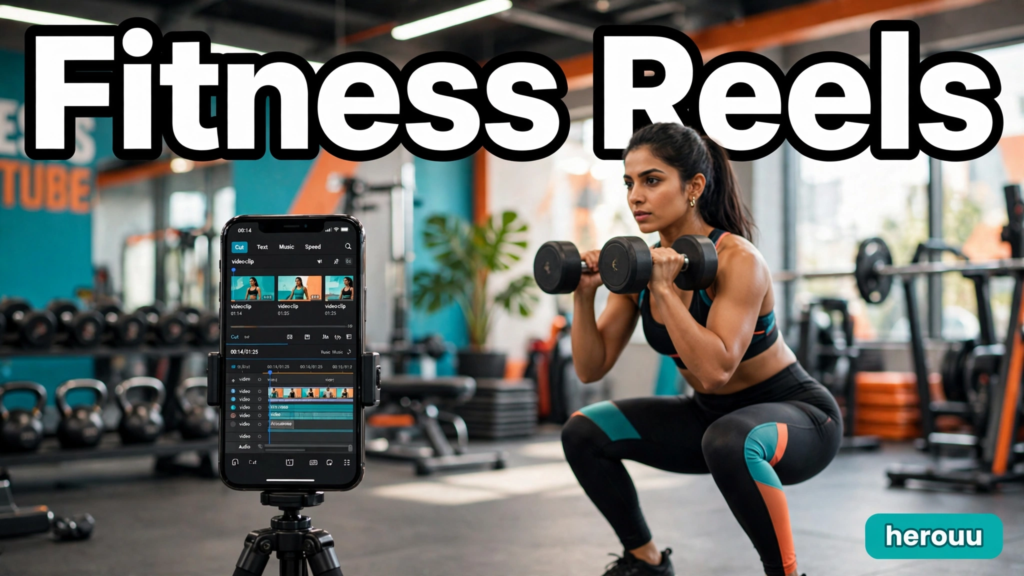
AI video editing for fitness reels can turn a long, shaky gym recording into a sharp 30-second reel people actually finish watching. You pick your best clips, let the app add captions and cut on the beat, then export in vertical 9:16 for Instagram Reels. This guide shows the full workflow in CapCut and VN, five reel ideas to copy, and the fixes for common problems. App screens change often, so check the official help page if a button looks different.

Learn AI video editing for wedding videos with CapCut AutoCut, beat sync, colour fixes, and 5 ready workflow ideas for a beautiful highlight film.

AI video editing for Instagram Reels helps you turn raw phone clips into a clean, watchable Reel in minutes instead of hours. You do not need a laptop or a paid course. If you can shoot a video on your phone and tap through a few menus, you can follow this guide. It uses CapCut, with Instagram’s own Edits app as a free second option, and it works for cooking, travel, tips, and product Reels. App menus change with updates, so check the official help page if a menu has moved.
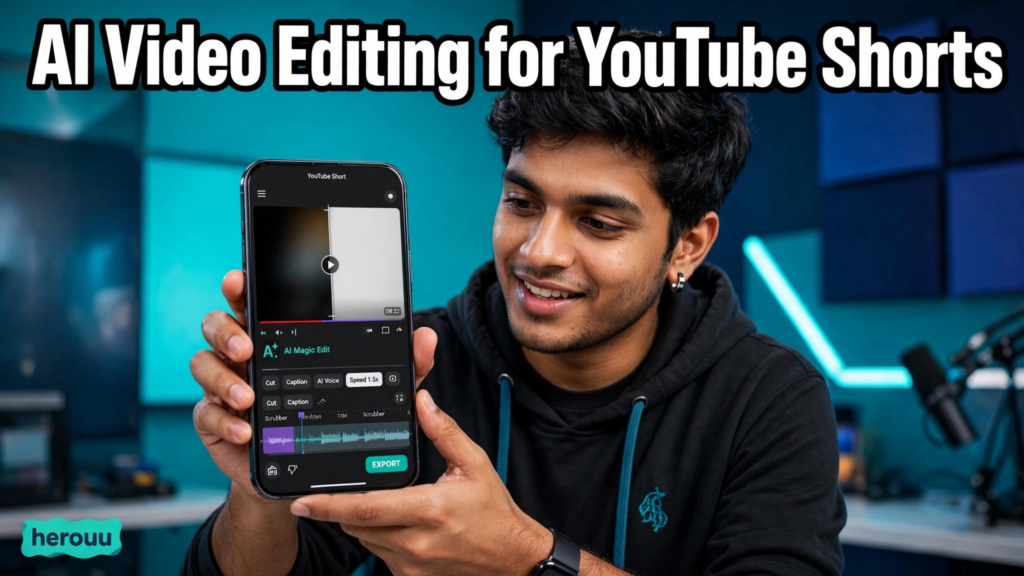
AI video editing for YouTube Shorts can turn one raw clip into a clean vertical video in under half an hour. This guide shows you the full workflow on your phone, from setting up a 9:16 project to exporting at 1080p and uploading it as a Short. It is written for beginners, and every step uses free features unless it says otherwise. Check the official app or help page if a menu name looks different, because apps update often.

AI video background removal lets you cut a person out of a video and place them on a new background, without a green screen or frame-by-frame masking. This guide shows you how to do it on your phone with CapCut, fix rough edges, and pick a new background. It suits beginners who make reels and talking videos. App menus change often, so check the latest version and its official help page if a button has moved.

Learn AI podcast video editing in simple steps: turn your podcast audio into a captioned video with clips for YouTube, Reels, and TikTok, no camera needed.

Use AI product video editing to turn a few phone clips into a clean 15 to 30 second product reel, with a script, captions, music, and a call to action.
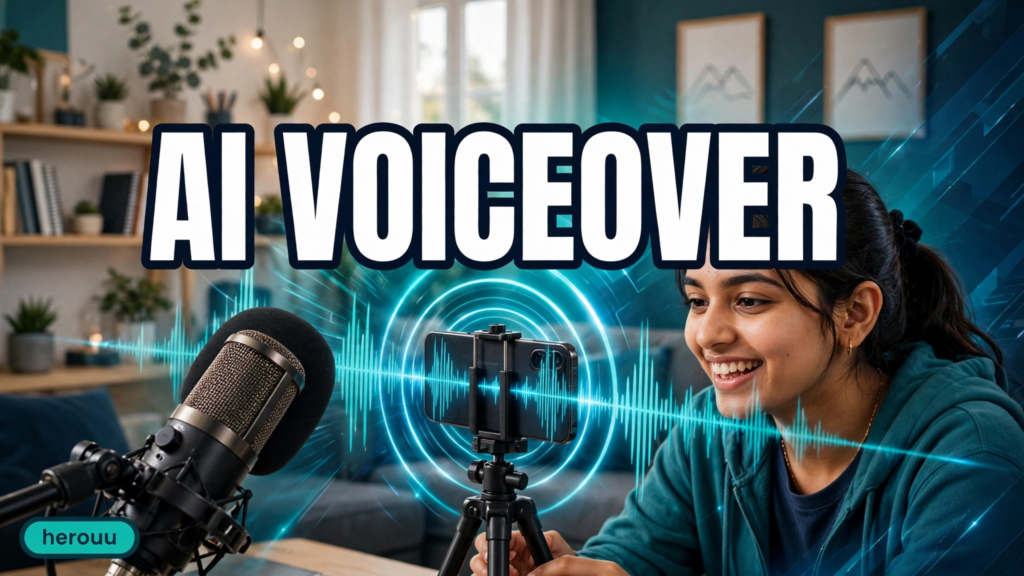
Learn AI voiceover for reels in simple steps. Write a script, pick a voice, match the timing, and post a clear narrated reel from your phone.

Learn easy morning routine reel editing in simple steps: plan, trim, add captions, and check your reel before posting.