
Capcut Template

Simple guides for using CapCut templates and editing ideas for short videos.

CapCut Blur Effect Template: Easy Blur Background Guide
Capcut Template

CapCut Blur Effect Template: Easy Blur Background Guide

A capcut blur effect template is the fastest way to give a phone video a soft, clean background while the person in front stays sharp. You build it once from your own clip, using two layers, a blur effect, and CapCut’s background removal. This guide shows the steps on phone and desktop, five template ideas to copy, and the fixes beginners hit most. Menu names change with app updates, so check the official CapCut help page.
CapCut Velocity Edit Template: Easy Speed Effect Guide
Capcut Template

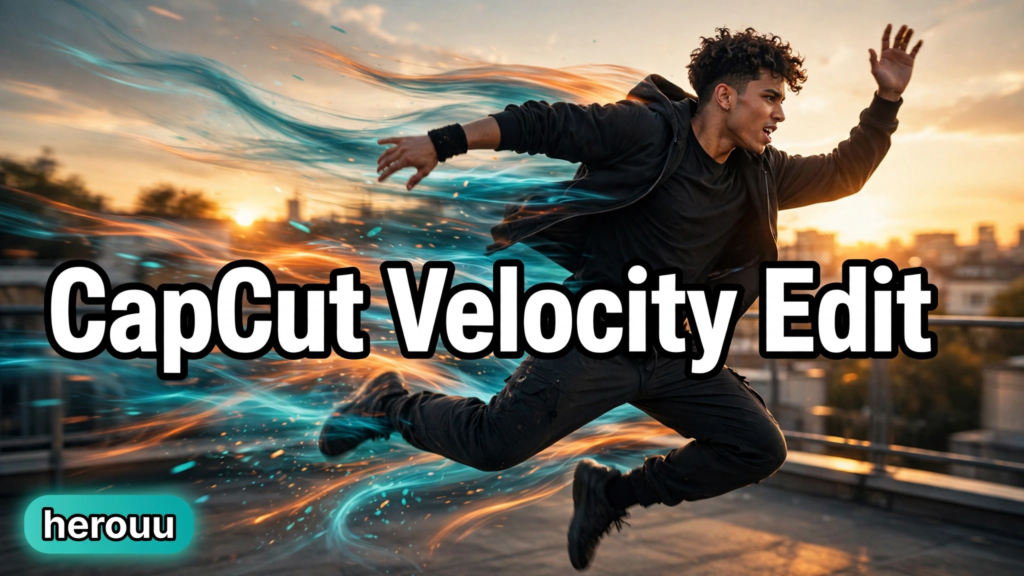
CapCut Velocity Edit Template: Easy Speed Effect Guide

A CapCut velocity edit template changes the speed of your clip as the video plays, so one moment moves in slow motion and the next rushes past in a blur. This guide shows you how to use a ready-made template in the CapCut app and how to build the same effect yourself with the Speed Curve tool. You need no paid plan and no editing experience, just your own clips, a song you like, and about half an hour.

Scroll to Top