
AI photo prompts for new year pictures turn one ordinary photo of you into a midnight party portrait, a cosy family frame, or a bright Happy New Year card. You upload your own photo, paste a short prompt into Gemini or ChatGPT, and the app draws a new picture for you. This guide shows the process in plain steps, with five original prompts you can copy and try today.
At a glance
New Year is the busiest photo night of the year, and most of us end up with the same dark, blurry selfie. AI photo prompts for new year pictures fix that. You tell the app to keep your face exactly as it is, then describe the outfit, the place, and the mood. The app does the rest.
| Topic | AI Photo Prompts for New Year Pictures |
|---|---|
| Topic | AI Photo Prompts for New Year Pictures |
| Category | Ai Photo Prompt |
| App/Tool | Gemini or ChatGPT image generation |
| Skill Level | Beginner |
| Time Needed | 5 to 10 minutes per picture |
| Media Needed | 1 to 3 clear photos |
| Cost/Free Features | Free plans in both apps, with daily usage limits |
What you will make
These AI photo prompts for new year pictures make five kinds of pictures. Pick the one that fits your plan, then use the matching prompt below. The greeting card is the only idea that works without your photo.
| Idea | Best for | Photos needed |
|---|---|---|
| Midnight countdown portrait | Your own profile picture or status | 1 clear selfie |
| Rooftop fireworks picture | Couple or two friends | 1 shared photo |
| Cosy family frame by the tree | Family group and cards | 1 group photo |
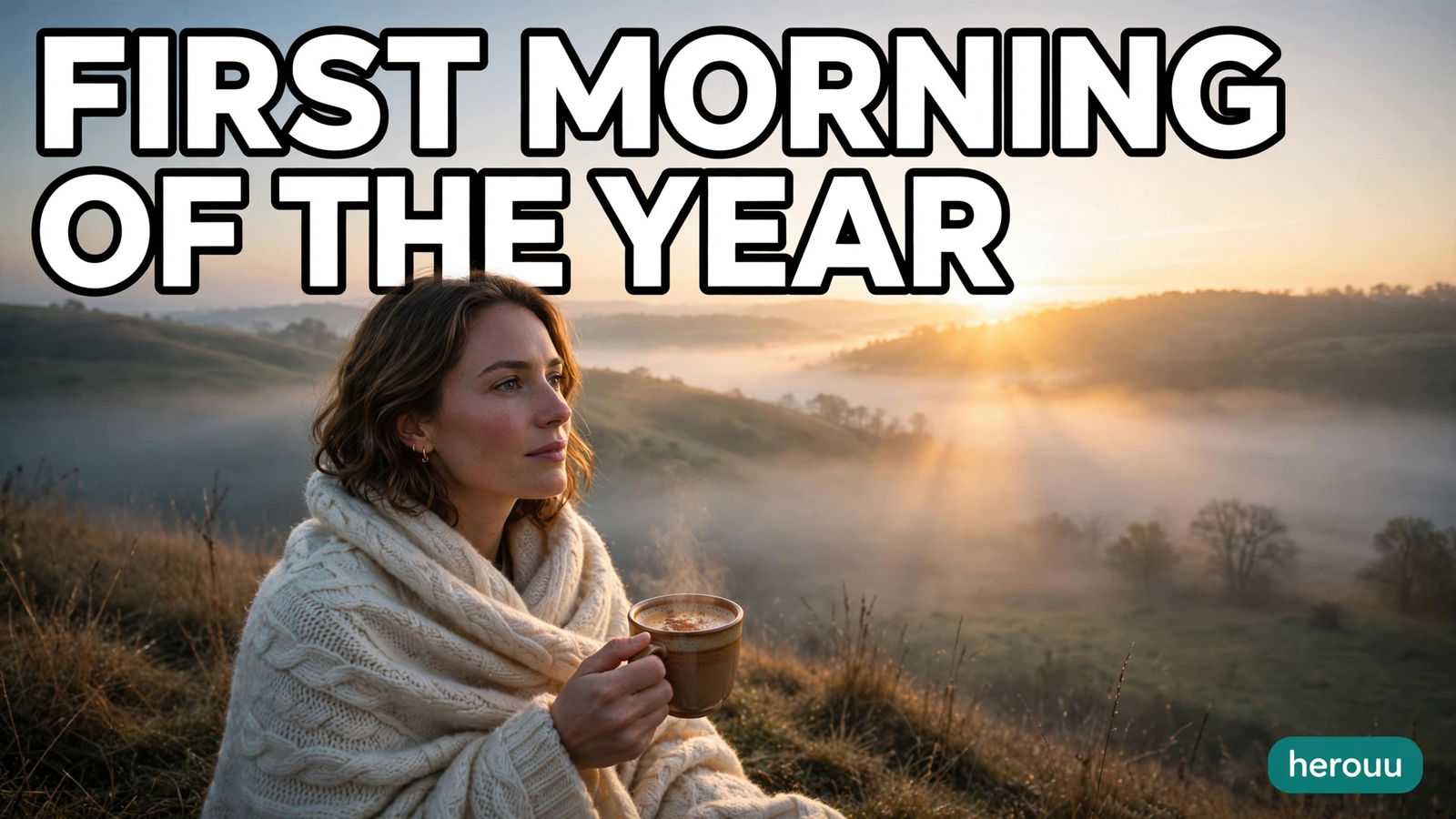
| First morning of the year | A calm post on 1 January | 1 clear photo |
| Happy New Year greeting card | Wishes for clients and relatives | 1 photo, or none |
Before you start
A little preparation saves repeat tries with AI photo prompts for new year pictures. A bad upload usually means a bad result, no matter how good the prompt is.
First, pick your best photo: front-facing, in good light, with your whole face clearly visible. No sunglasses, no heavy beauty filter, and no group shot where your face is small.
Second, open the app you plan to use: Gemini at gemini.google.com, or ChatGPT at chatgpt.com. Both need a sign-in and work on free plans with daily limits. Gemini needs the account holder to be 18 or older to edit images of people, so use a parent’s account for family pictures.
Third, decide the shape before you paste one of the AI photo prompts for new year pictures. Vertical 9:16 suits WhatsApp status and stories. A 4:5 portrait suits the feed and profile pictures. Say the shape in the prompt, or the app will pick one.
Finally, keep your expectations honest. The app draws a new picture; it does not edit pixels like a photo editor. Small details can shift between tries, and a face can drift if the prompt is vague.
How AI photo prompts for new year pictures work
A photo prompt tells the AI app three things: whose face to keep, what scene to build, and what the final picture should look like. The first line locks your face, the middle lines describe the scene, and the last line sets the light and the shape.
When you upload your photo and paste one of the AI photo prompts for new year pictures, the app reads both together. In Gemini, the image model is called Nano Banana. In ChatGPT, the image tool is called ChatGPT Images. Both apps redraw the picture from scratch each time.
The most important line in AI photo prompts for new year pictures is the face lock. Write it first: keep my face exactly as it is in the uploaded photo, no smoothing, no beautification. With it, your picture stays yours.
Steps to make your new year picture
Follow these steps in order to use AI photo prompts for new year pictures.
- Open Gemini or ChatGPT and sign in with your account.
- Start a new chat. In Gemini, tap Images in the sidebar. In ChatGPT, do the same.
- Upload your photo first. Tap the plus button and pick a clear, front-facing photo from your gallery.
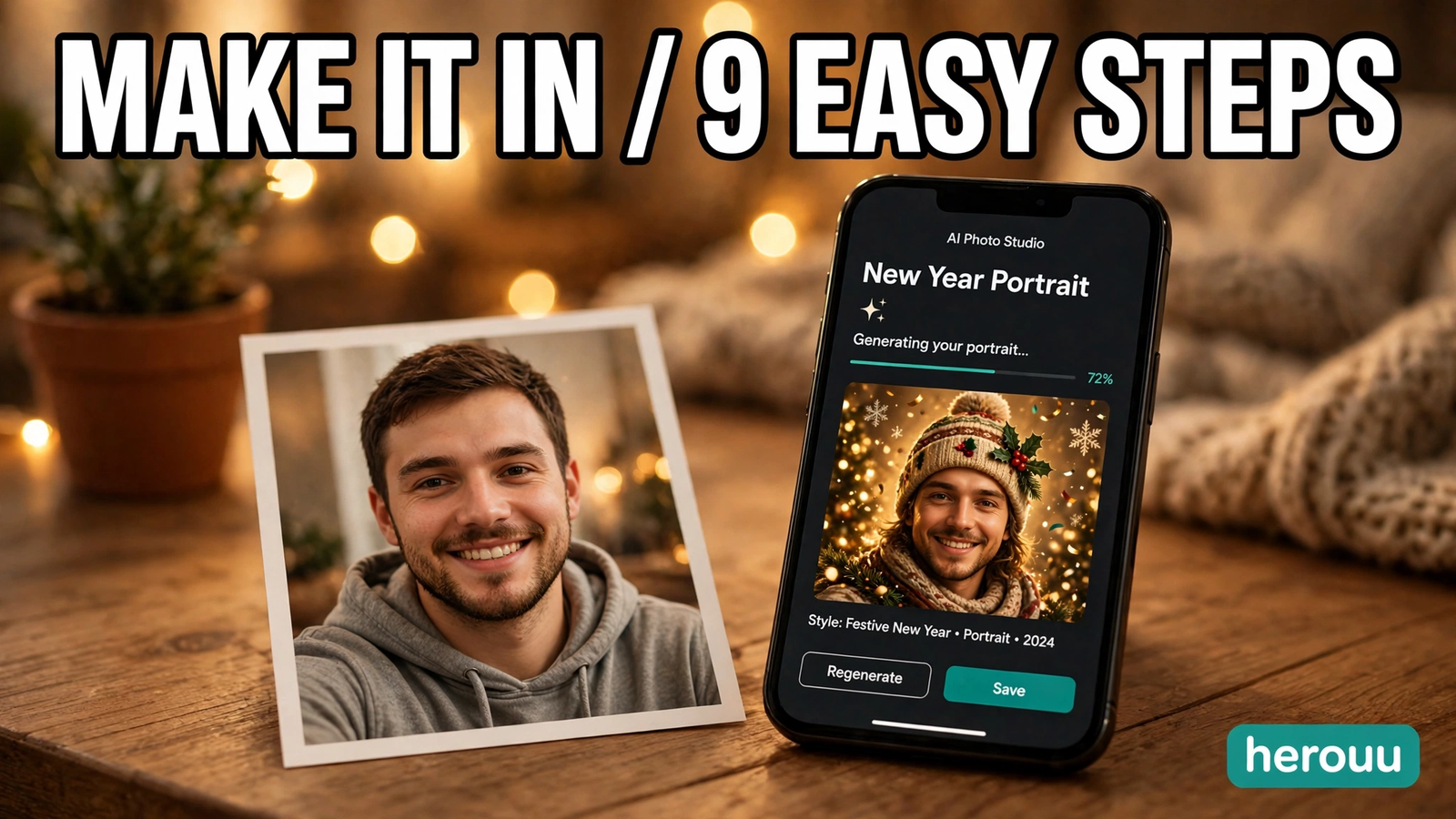
- Paste one of the AI photo prompts for new year pictures from below into the message box, with the photo. Change the details in square brackets, then send.
- Wait for the picture, usually under a minute.
- Look at the result closely before you save it. Check the face, then the hands, then any text.
- Fix one thing at a time in the same chat. If the background is wrong, say so in one short message.
- When you are happy with the picture, download it at full size. In Gemini, use the download button. In ChatGPT, open the image and save it.
- Share it where you like. A 9:16 picture fits stories and status, a 4:5 picture fits the feed, and a square picture fits a card.
Prompt ideas
Here are five original AI photo prompts for new year pictures. Copy one and change only the details in square brackets.
1. Midnight countdown portrait
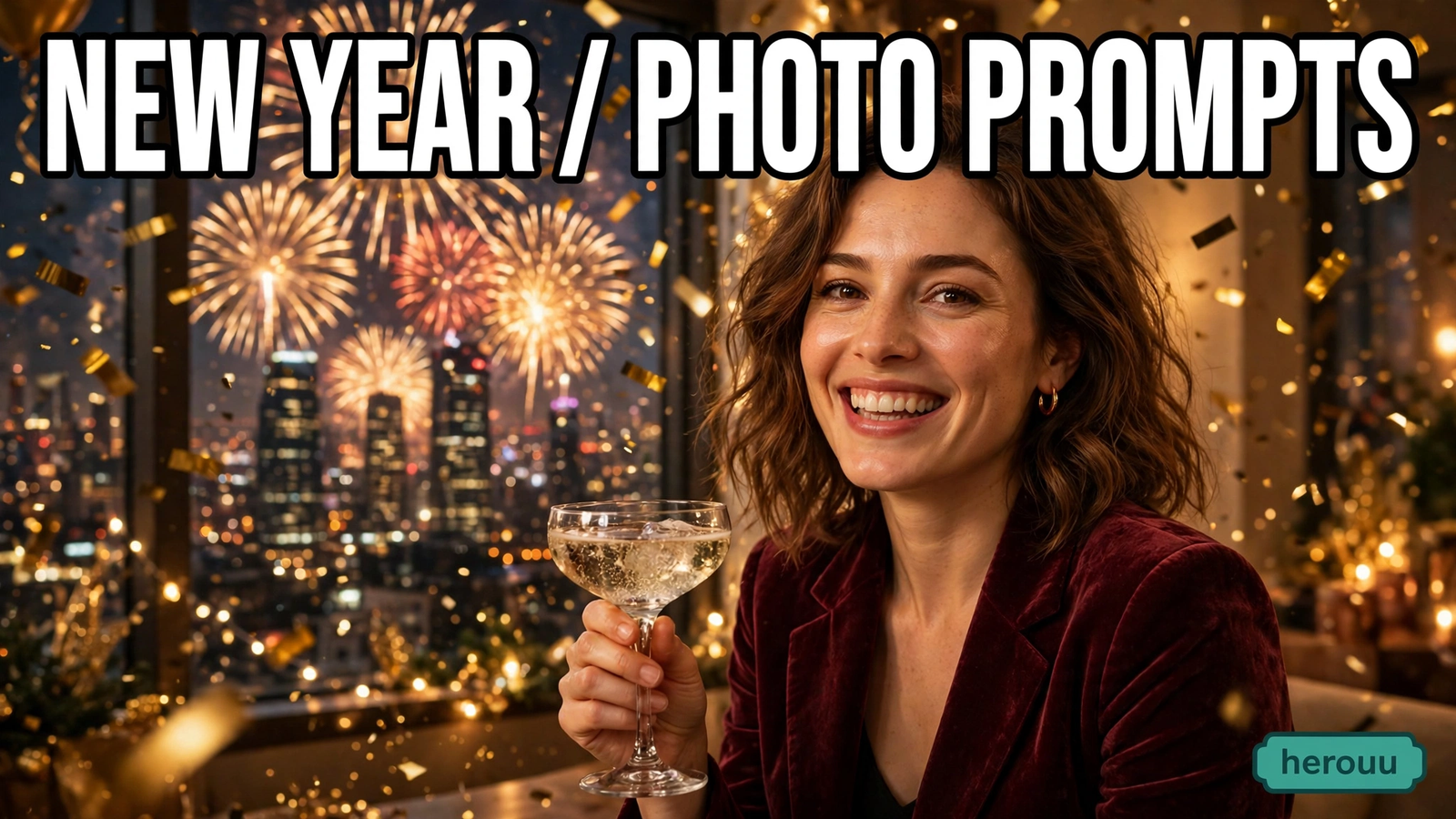
Use my uploaded photo as the reference and keep my face exactly as it is, no smoothing and no beautification. Make a New Year’s Eve portrait of me in a [deep maroon velvet blazer], by a large window, holding a glass of sparkling juice, with fireworks outside. Warm golden light, joyful mood, vertical 4:5. No text.
2. Rooftop fireworks picture for two
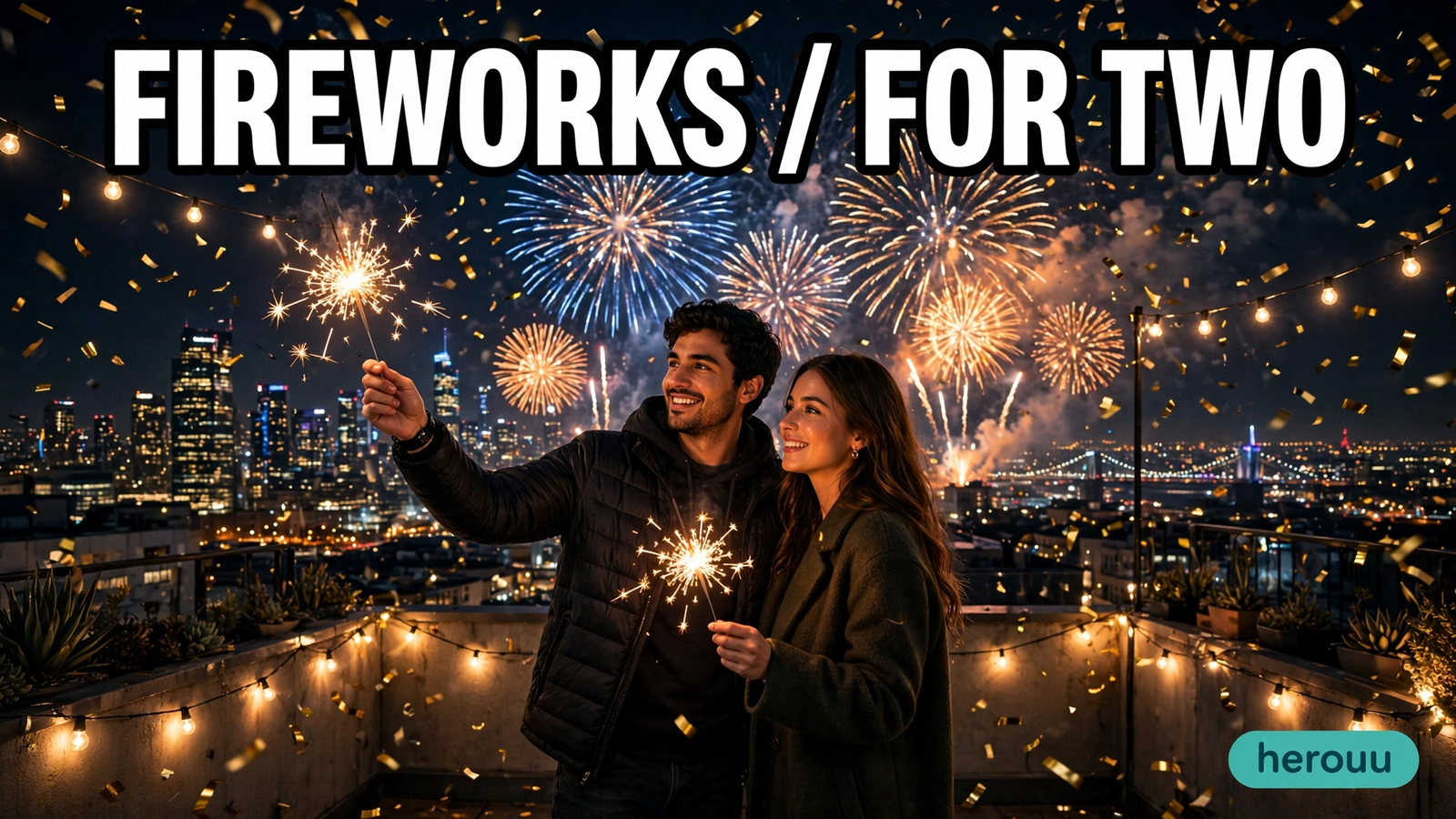
Use our uploaded photo as the reference and keep both faces exactly as they are, no smoothing and no beautification. Place us on a rooftop at midnight in party clothes, holding sparklers and watching fireworks over the city, with gold confetti falling. Warm festive light, happy mood, vertical 4:5. No text.
3. Cosy family frame by the tree
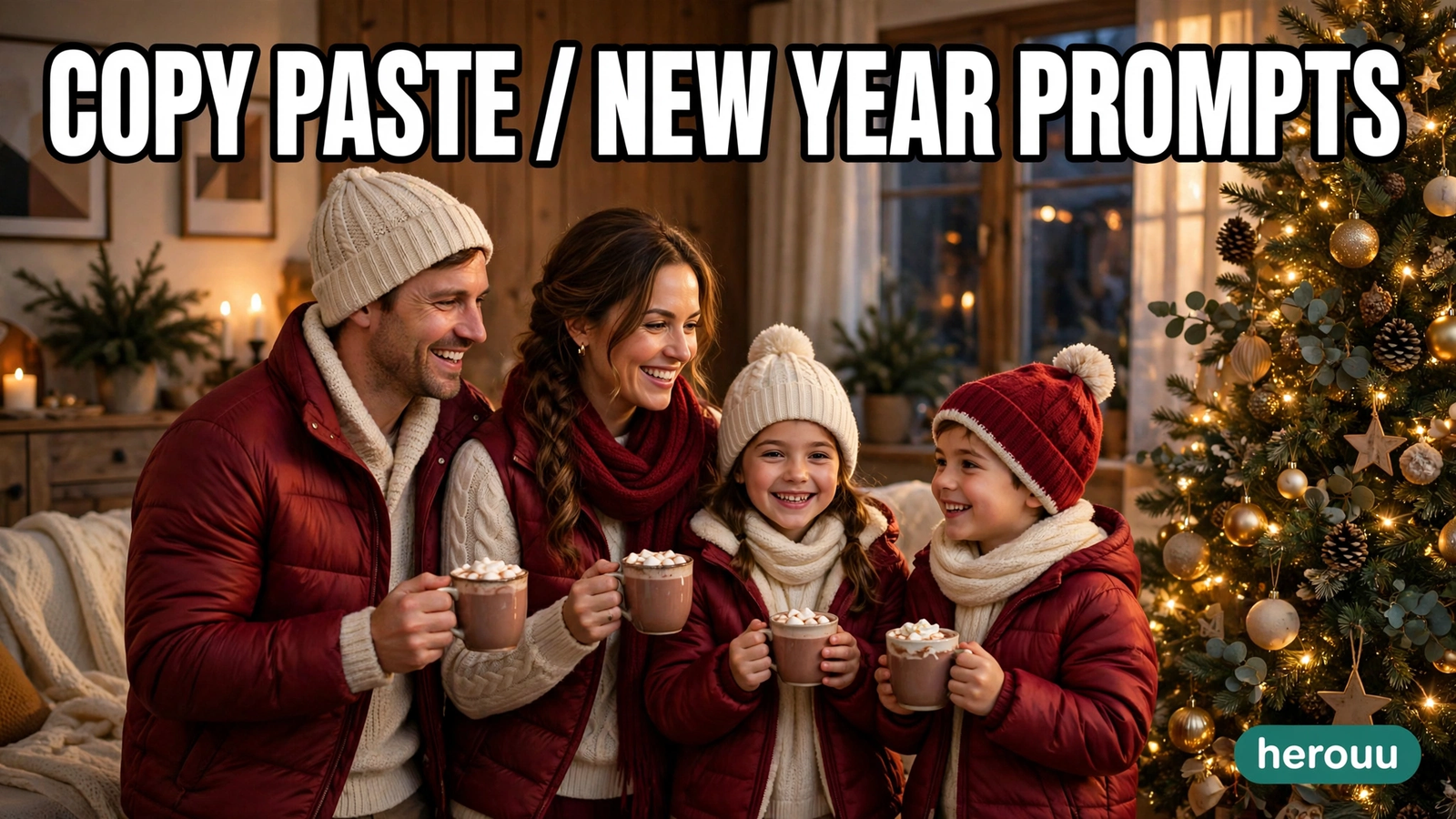
Use our uploaded family photo as the reference and keep every face exactly as it is, no smoothing and no beautification. Place our family of [four] in a warm living room beside a decorated Christmas tree, in deep red and cream winter clothes, holding hot chocolate, with fairy lights and gifts around us. Soft warm light, calm family mood, vertical 4:5. No text.
4. First morning of the new year
Use my uploaded photo as the reference and keep my face exactly as it is, no smoothing and no beautification. Place me on a hilltop on the first morning of January, in a [cream woollen shawl], holding a cup of chai, with soft golden sunrise light, morning fog and a clear sky. Calm and hopeful mood, vertical 4:5. No text.
5. Happy New Year greeting card
Use my uploaded photo as the reference and keep my face exactly as it is, no smoothing and no beautification. Create a festive Happy New Year greeting card of me smiling in a [dark green kurta with a golden border], in front of gold balloons, fairy lights, and falling confetti, with “Happy New Year 2027” in large gold letters at the top. Bright festive light, warm mood, vertical 4:5. No other text.
Tips for better new year pictures
These six tips come from how the apps behave, and they apply to all AI photo prompts for new year pictures.
- Upload your sharpest photo. A clear daytime selfie beats a stylish night photo where half your face is in shadow.
- Say the year out loud in AI photo prompts for new year pictures only when the picture needs words. If you write 2027 in a card prompt, the app sometimes gets a letter wrong.
- Keep the outfit simple. One outfit, one colour, one clear item. A prompt that lists a blazer, a scarf, and a watch gives the app three things to juggle, and one usually comes out strange.
- Ask for the shape every time: vertical 4:5, vertical 9:16, or square 1:1. If you skip it, the app picks a shape for you.
- Save the version you like before you ask for another change. Each follow-up redraws the whole picture.
- Try the same AI photo prompts for new year pictures in the other app when one keeps failing. Gemini and ChatGPT handle faces and text differently, and a wrong year in one app often comes out right in the other.
Common problems and fixes
Most problems with AI photo prompts for new year pictures have a simple cause.
| Problem | Likely cause | Fix |
|---|---|---|
| Face looks wrong | Photo was dark, angled, or filtered | Upload a clear front-facing photo and repeat the face lock line |
| Year spelled wrong | AI text is unreliable in small lettering | Ask for the year again, or add text later |
| Hands look strange | App redrew the hands from a vague pose | Describe the hands simply |
| Picture is square | No shape given | Say vertical 9:16 or 4:5 in the prompt |
| App refuses to edit | Age or account rules | Use an account holder aged 18 or older |
| Result looks over-smooth | Prompt asked for a perfect look | Add no smoothing and no beautification |
| Daily limit reached | Free plans limit images per day | Wait, or try the other app |
Frequently asked questions
Can I make new year pictures with AI for free?
Yes, AI photo prompts for new year pictures work on the free plans of both Gemini and ChatGPT. Each free plan limits how many images you can make, and the number is not published. If you reach the limit, try the other app or wait a day.
Which app is better for new year pictures, Gemini or ChatGPT?
Both work well, and the best choice depends on your picture. Gemini’s Nano Banana model takes several reference photos at once, which helps couple and family pictures. ChatGPT Images keeps details steadier across small edits in one chat. Try one app first, and switch only if it goes wrong.
How do I keep my face the same in an AI picture?
Start your prompt with a face lock line: use your uploaded photo as the exact reference and keep your face exactly as it is, with no smoothing. Then upload a clear front-facing photo in good light. A sharp photo and a firm first line give the closest match.
What size should a new year picture be for WhatsApp status?
Use vertical 9:16 for WhatsApp status and Instagram stories, because that shape fills a phone screen. Use vertical 4:5 for the feed and profile pictures. Use square 1:1 for a printed card or a post. Say the shape at the end of your prompt.
Why does the year 2027 come out wrong in my card?
AI apps still struggle with text inside pictures, and a year in small or fancy lettering is easy to misspell. Write the year once in quotes and check it before you share. If it keeps failing, get the picture without text and add the words in a photo editor.
Can I make a new year picture of my whole family with AI?
Yes, upload one group photo with every face clear, and write one of the AI photo prompts for new year pictures that tells the app to keep every face as it is. In Gemini, image editing needs an account holder aged 18 or older, so use a parent’s account.
Do AI new year pictures have a watermark?
Gemini adds a visible watermark to the images it creates, so check the corners before you print a card. ChatGPT writes invisible metadata into the file instead of a visible mark, so the picture looks clean but still carries a record that it was made by AI.
How many photos can I upload at once?
Both apps let you upload more than one photo for AI photo prompts for new year pictures, and Gemini’s Nano Banana model takes several reference photos. One clear photo works for a solo portrait, and one good group photo works for a family frame.
Can I use AI new year pictures for my business or clients?
You can make a greeting card for clients with your own photo and your own prompt, and many small creators do. Check the app’s current terms before you use a picture in a paid post. For an exact record of a real person, use a real photograph.
Conclusion
AI photo prompts for new year pictures make it easy to turn one ordinary photo into a picture worth sharing. Upload a clear photo, lock your face in the first line, fix one detail at a time, and check the text before you share. Try one of the five prompts above tonight, then browse the Ai Photo Prompt category for more ideas.
Related reading
These guides pair well with AI photo prompts for new year pictures:
- AI Photo Prompts for Birthday Pictures
- AI Photo Prompts for Family Pictures
- How to Write a Clear AI Photo Prompt That Matches Your Idea
- Festival AI Photo Prompts
- AI Photo Prompts for Engagement Pictures
About herouu
herouu is a free guide site for everyday creators, and AI photo prompts for new year pictures are one of the guides we write. We cover VN templates, AI photo prompts, CapCut templates, and AI video editing, so you can make better pictures and videos on your phone.
Disclaimer
This guide is based on the official help pages for Gemini and ChatGPT Images as checked in November 2026. App features, free limits, and screen layouts may change, so verify the current steps from the official app or help page. The AI photo prompts for new year pictures here are original.
Sources
- Gemini Apps Help, generating and editing images
- OpenAI Help Center, Images in ChatGPT
- Paul Breit, New Year Photo Prompts 2027
- SaaS CRM Review, 46 New Year Photo Prompts for 2027
- The Droid Guy, How to Create and Edit Images in Gemini with Nano Banana
- TechPilot, ChatGPT Photo Editing Prompts
Note: free daily image limits are not published as exact numbers. Model names change over time, so check the current help page.