
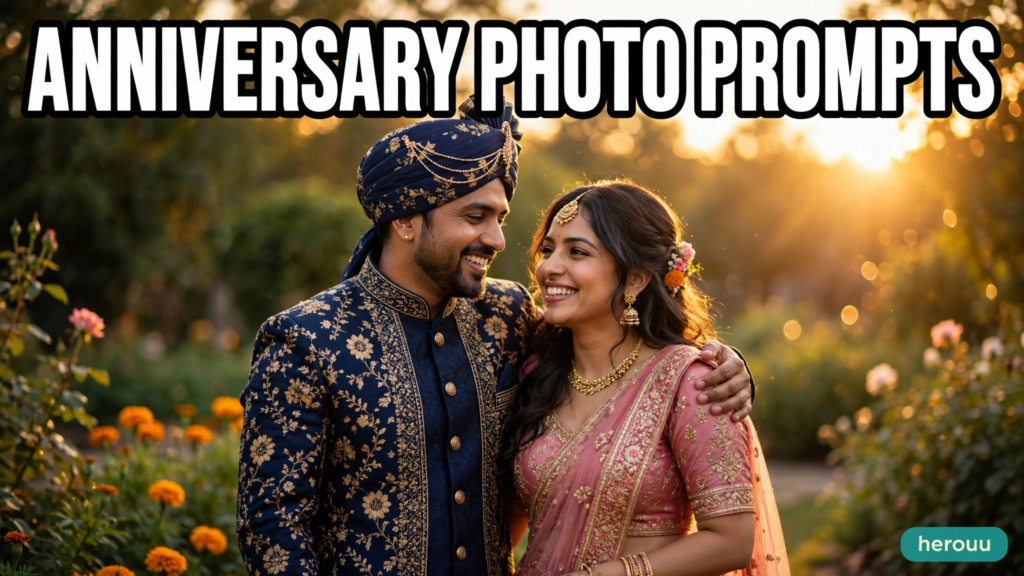
AI photo prompts for anniversary pictures can turn one ordinary couple photo into a warm, romantic picture for your anniversary, without a photo shoot or a photographer. Upload a photo of you and your partner to Gemini or ChatGPT, paste a clear prompt, and the app makes a new version: golden hour, candlelight dinner, or traditional outfits. Before you start, check you have the latest app version and the official help page.
At a glance
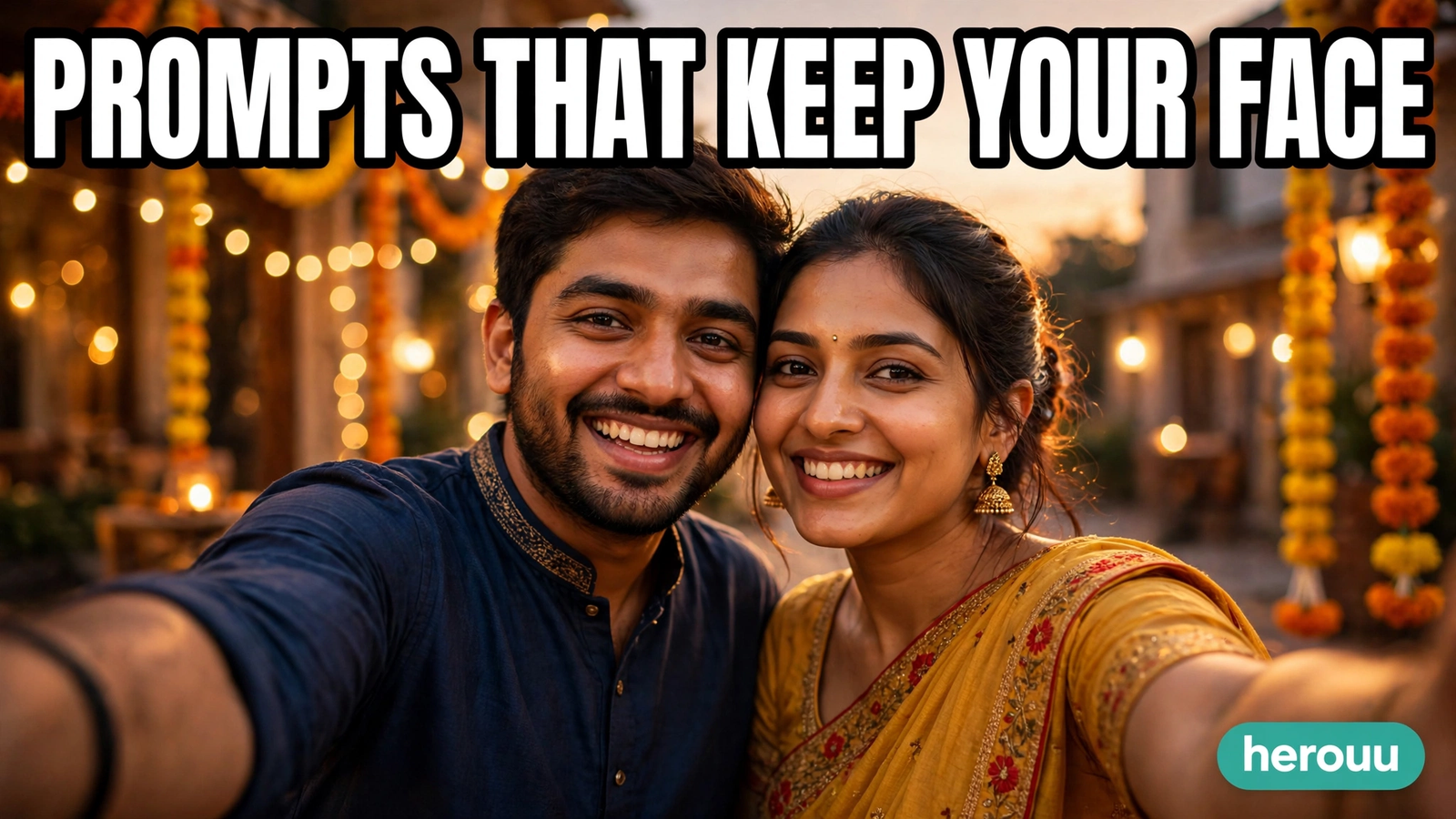
An anniversary picture shows two people, so both faces have to stay clear and true to life. AI photo prompts for anniversary pictures work best when you start with a sharp photo of the couple in daylight and tell the app exactly what to change and what to keep. The prompts here keep both faces and skin tones true to the original while they change the light, the place, and the mood. Each result takes a few minutes.
Quick Overview
| Topic | Details |
|---|---|
| Topic | AI photo prompts for anniversary pictures |
| Category | Ai Photo Prompt |
| App or Tool | Gemini app or ChatGPT app (web or phone) |
| Skill Level | Beginner, no editing needed |
| Time Needed | 15 to 20 minutes for your first picture |
| Media Needed | 1 clear photo of the couple |
| Cost or Free Features | Free with a Google or free ChatGPT account, within daily image limits |
What you will make
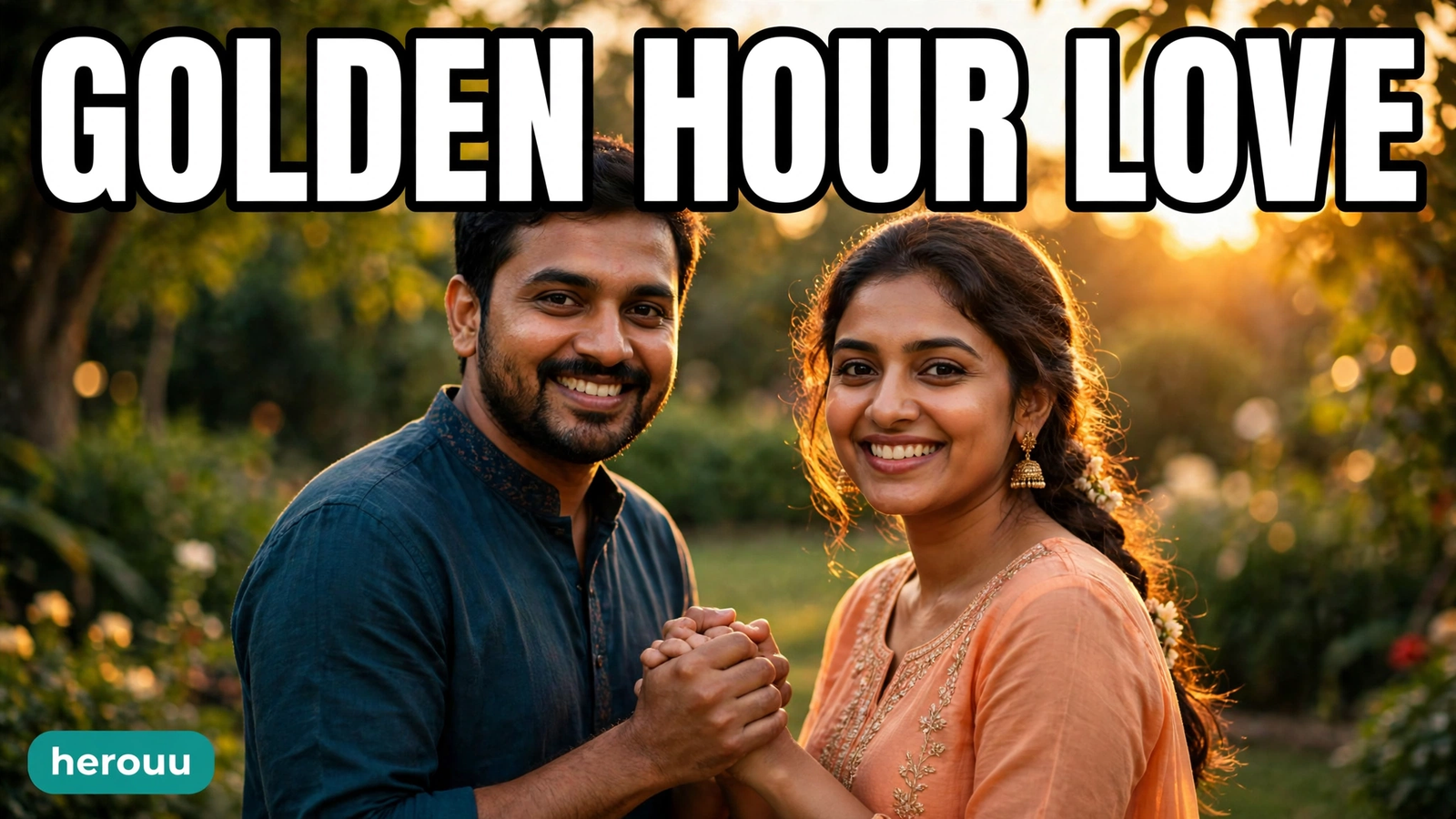
You will make five romantic looks from the same couple photo. A golden hour photo suits Instagram, a candlelight dinner look suits a WhatsApp status, and a traditional Indian outfit look suits a family group share. AI photo prompts for anniversary pictures let you try all of these without five new photos.
| Idea | Best for | Photo needed |
|---|---|---|
| Golden hour garden portrait | Instagram post | Couple photo |
| Candlelight dinner scene | WhatsApp status, dinner invite | Clear couple photo |
| Traditional Indian outfits | Family groups, festive post | Upper-body photo |
| Vintage film look | Nostalgic post, printed frame | Clear couple photo |
| Beach sunset walk | Instagram reel cover, story | Full-body couple photo |
With AI photo prompts for anniversary pictures, one good couple photo is enough for all five looks.
Before you start
Before you try AI photo prompts for anniversary pictures, pick one photo where both faces are sharp and the light falls evenly on both faces. Daylight near a window works best. Remove any heavy filter first, because it gives the app the wrong starting point. Use only a photo of yourself and your partner, with your partner’s permission. Google’s help page says photo editing in the Gemini app is for users aged 18 or older.
| Requirement | What you need |
|---|---|
| Phone or computer | Android phone, iPhone, or browser |
| Account | Google account or a free ChatGPT account |
| Photo | One clear couple photo |
| Internet | Stable connection |
| Storage | Free space to save the result |
Steps: use AI photo prompts for anniversary pictures in Gemini and ChatGPT
Step 1: Open Gemini or ChatGPT
Open the Gemini app or the ChatGPT app on your phone, or the website, and sign in. Start a fresh chat for this photo.
Step 2: Choose your best couple photo
AI photo prompts for anniversary pictures start with a good photo, so pick the clearest one where both of you are in the frame. Both faces should be large and clear, with nothing covering them.
Step 3: Upload the photo
In Gemini, tap the plus button next to the message box and choose the photo from your gallery. In ChatGPT, attach it the same way. If you have two separate photos, upload both in the same message. Gemini accepts more than one reference image.
Step 4: Copy a prompt
Pick a look from the prompt ideas below. Copy the full prompt, including the line that keeps both faces the same. Without it, the app may change one or both faces.
Step 5: Paste and send
Paste the prompt into the message box and send it. The app takes a few seconds to a few minutes to make the new image. Open it full screen and check both faces, the eyes, and the hands.
Step 6: Ask for a fix
If one thing is wrong, do not start over. AI photo prompts for anniversary pictures work best when you fix one thing at a time, so reply in the same chat with one clear fix, such as “keep her face exactly as in the photo, only warm the light.”
Step 7: Add the anniversary words
If you want “Happy Anniversary” written in the picture, ask for it in a follow-up message and name the exact words. Short text works better, and ChatGPT handles text in images more reliably than Gemini.
Step 8: Save and share it
Download the version you like, or save it to your phone gallery. Then post it on Instagram or WhatsApp, or print it. Check it at the small size others will see first.
5 anniversary picture prompt ideas
These five prompts are written for AI photo prompts for anniversary pictures and work in both Gemini and ChatGPT. Replace the words in square brackets with your own details.
Use my uploaded photo and keep both faces, skin tones, hairstyles, and ages exactly the same, with no beautification. Create a romantic golden hour portrait of us close together in a garden, holding hands, wearing a cream kurta and a soft pink saree. Use warm sunset light and a softly blurred background. Keep it realistic. Vertical 4:5 crop for an Instagram post. No text, no watermark, no distorted faces.
Use my uploaded photo and keep both faces, skin tones, and smiles exactly the same, with no beautification. Create a warm candlelight dinner scene of us at a table with candles and flowers, wearing a dark blazer and a deep red dress. Use warm candlelight and a softly blurred background. Keep it realistic. Vertical 4:5 crop for a WhatsApp status. No text, no watermark, no distorted faces.
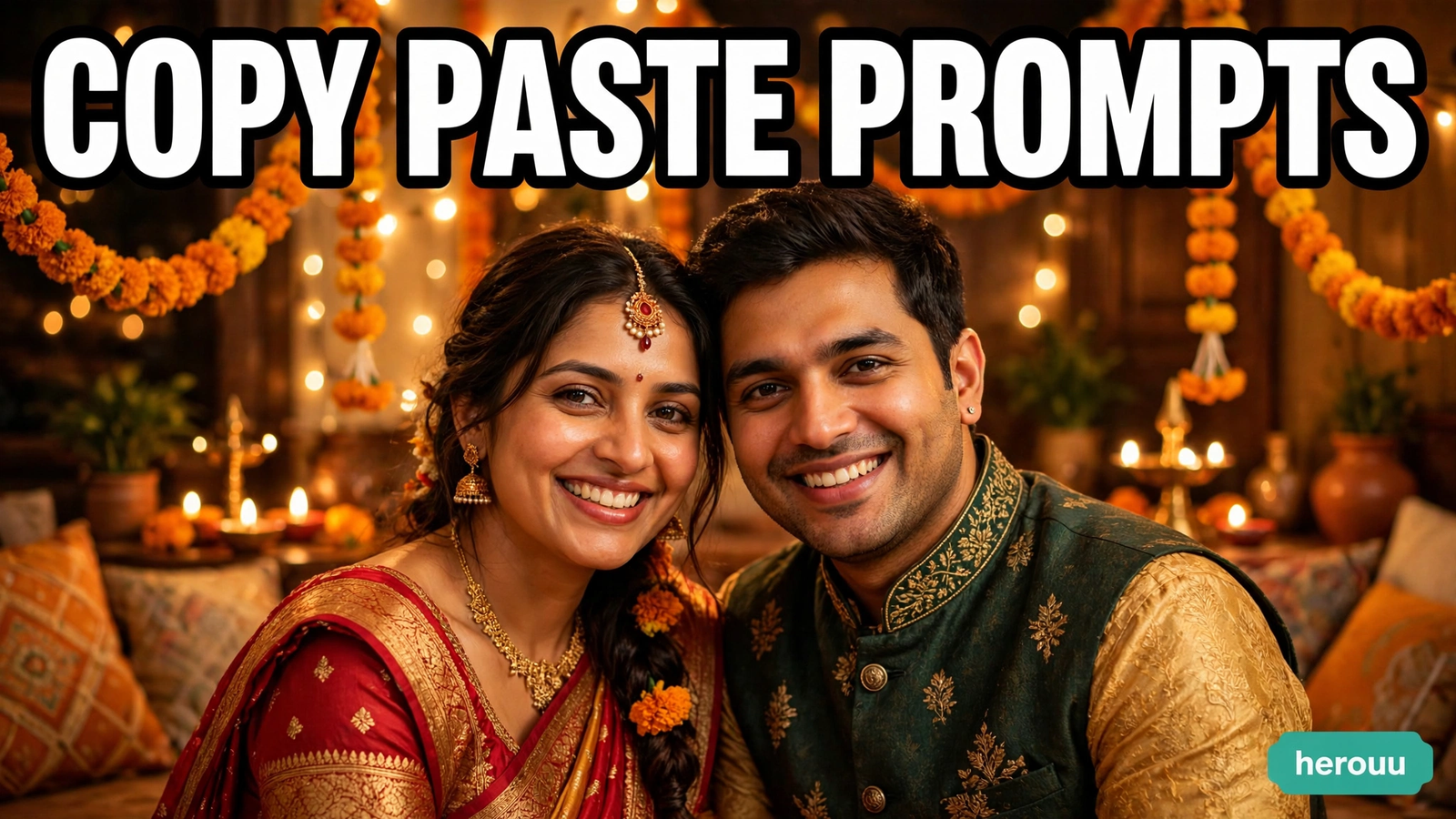
Use my uploaded photo and keep both faces, skin tones, hairstyles, and ages exactly the same, with no beautification. Create a festive portrait of us in traditional Indian outfits, the man in an ivory sherwani and the woman in a red lehenga with gold work, at home with marigold flowers and warm lights. Use soft daylight. Keep it realistic. Vertical 4:5 crop for a family post. No text, no watermark, no cartoon look.
Use my uploaded photo and keep both faces, skin tones, and smiles exactly the same, with no beautification. Create a vintage film photograph of us by a large window in an old home, like a 1980s 35mm film photo, with soft faded colours and film grain. We wear a light shirt and a plain cotton saree. Use soft window light. Keep it realistic and warm. Vertical 4:5 crop for a printed frame. No text, no watermark, no distorted faces.
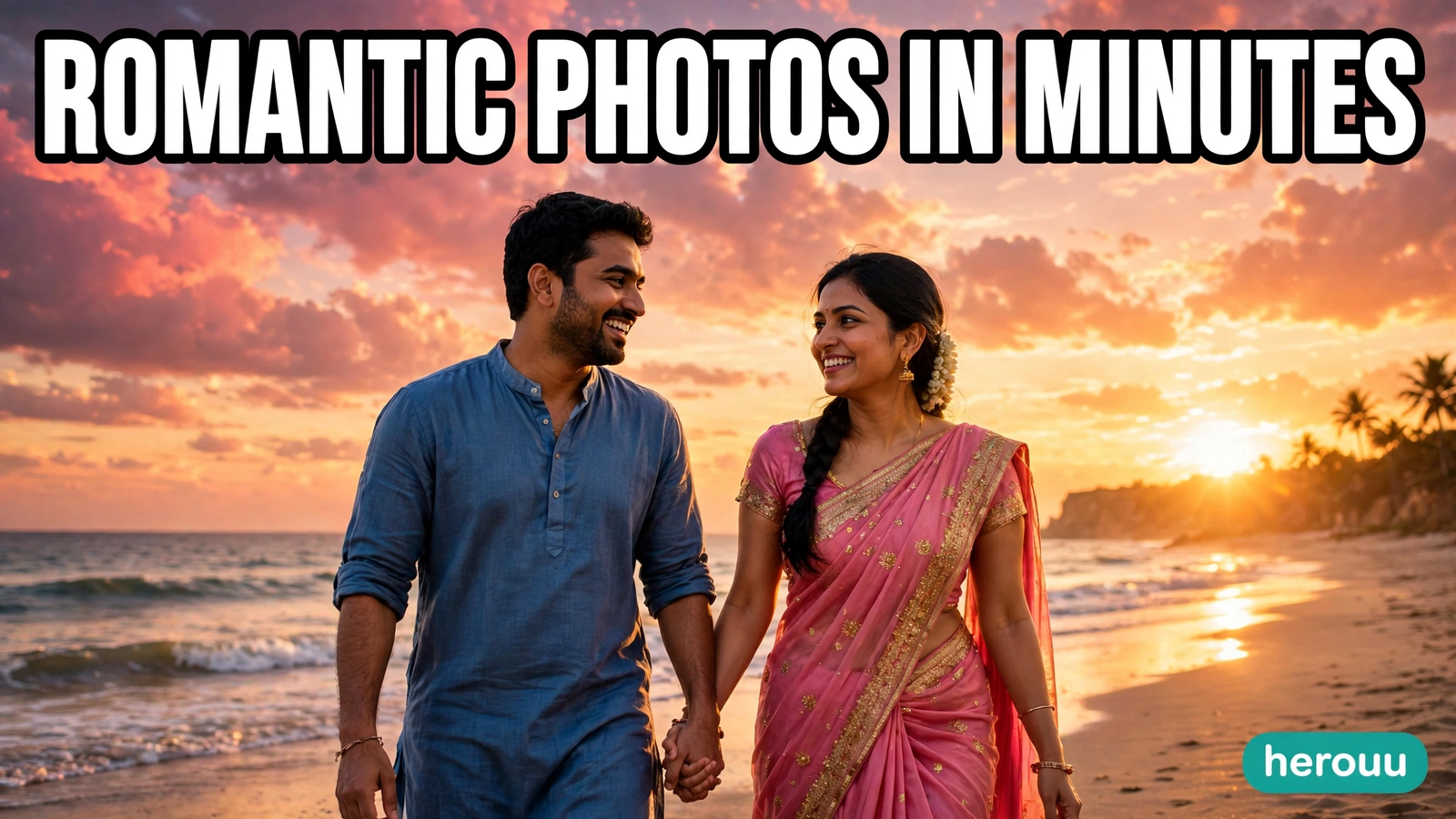
Use my uploaded photo and keep both faces, skin tones, and smiles exactly the same, with no beautification. Create a beach sunset photo of us walking hand in hand on the shore, wearing a light blue shirt and a white dress, under a pink and orange sky. Use warm sunset light on our faces. Keep it realistic. Vertical 4:5 crop for an Instagram story. No text, no watermark, no distorted faces.
Try one prompt first. If it gives you a good picture, save it right away, because free image limits can change. When you change the outfit or the place, change only one detail at a time.
Tips
These tips come from how AI photo prompts for anniversary pictures behave in real use.
Write the prompt the way you would explain it to a person: name the change, what must stay the same, and the format.
Do not use words like beautiful or perfect. They push the app to change both faces, and the result stops looking like you.
AI photo prompts for anniversary pictures need good light, so take your starting photo in daylight, with the light on both faces.
Keep the same chat open while you fix a picture.
Check the small details before you post: both faces, the hands, the jewellery, and any text on clothes.
Common Problems
Most problems with AI photo prompts for anniversary pictures come from a vague prompt or a weak photo.
| Problem | Likely cause | Fix |
|---|---|---|
| One face looks like someone else | That face was small or in shadow | Use a photo where both faces are clear |
| Both faces look over-smoothed or plastic | Words like beautiful or flawless in the prompt | Remove praise words |
| The background looks fake | The prompt asked for too many changes at once | Change one thing at a time |
| The app refuses the edit | The photo or prompt broke a safety rule | Use only your own couple photo and keep the request simple |
| The result is blurry or low quality | The uploaded photo was small or low quality | Upload the largest original photo |
| The free limit runs out | Daily image limits on free accounts | Wait until the limit resets, or try the other app |
FAQ
These are the questions people ask most about AI photo prompts for anniversary pictures.
Can I use AI photo prompts for anniversary pictures with just one photo of us?
Yes, you can. One clear photo of both of you together works best, because the app sees both faces in the same light. If you only have separate photos, upload both in the same message. Check both faces are sharp before you send it.
Which app is better for anniversary pictures, Gemini or ChatGPT?
Both apps work well, and the choice depends on what you want. Gemini gives softer, dreamy light and handles more than one photo. ChatGPT keeps faces closer to the original and writes Happy Anniversary text more cleanly. Try the same prompt in both and keep the better result.
Will the AI picture look exactly like us?
It should look like you both if your starting photo is clear and your prompt keeps both faces and skin tones the same. The result is still a new image made by AI, so it may differ in small ways, especially the hands or hair. Always compare it with your real photo first.
Can I add “Happy Anniversary” text to the picture?
Yes, you can ask for short text such as Happy Anniversary or a year number in the picture. Add it in a follow-up message after the picture looks right, with the exact words in quotes. Text can still come out misspelled, so check every letter before you post it.
Why does one face change more than the other?
One face changes more when AI photo prompts for anniversary pictures start from a photo where one face is smaller, darker, or partly turned away. The app guesses that face. Use a photo where both faces are the same size and lit the same way.
Can I use a photo from our wedding day?
Yes, you can use a wedding photo as your starting picture, and many couples do this for a first anniversary. The app will keep your faces and change the scene around them. Pick a wedding photo where both faces are clear.
Is it safe to upload our couple photo to Gemini or ChatGPT?
Your photo is stored in your chat history, and you can review or delete it from your account activity controls. Do not upload photos of other people without their permission, or ID cards, passports, or bank documents. Check the app’s privacy help page.
How many times can I retry a prompt?
You can retry AI photo prompts for anniversary pictures as many times as your daily image limit allows, but fix the result in the same chat instead of starting over. Reply with one clear change, and the app will adjust the picture you have.
What if Gemini or ChatGPT refuses my prompt?
The app may refuse a prompt that breaks its safety rules, such as a photo of someone else, or a fake image of a real person. Use only your own couple photo, keep the request simple, and check the app’s help page.
Conclusion
AI photo prompts for anniversary pictures are the easiest way to get a warm, romantic picture of you and your partner without a photo shoot. Pick one clear couple photo, copy one prompt, and try it today. Then try more AI photo prompts for anniversary pictures in the Ai Photo Prompt category on herouu.buzz.
Related reading
More guides on AI photo prompts for anniversary pictures:
- AI Photo Prompts for Wedding Pictures: Easy Bright Guide
- AI Photo Prompts for Profile Pictures: Easy Bright Guide
- AI Photo Prompts for Sunset Pictures: Easy Golden Hour Guide
- AI Photo Prompts for Baby Pictures: Easy Cute Guide
- Ai Photo Prompt category
About herouu
herouu.buzz shares free templates, photo prompts, and video editing ideas for everyday creators, including AI photo prompts for anniversary pictures. Every guide is written in simple English, with steps for your phone and prompts you can copy right away.
Disclaimer
This guide to AI photo prompts for anniversary pictures is based on the official Gemini and ChatGPT help pages and on guides about those apps. App features, free limits, and menu names can change, so check the official help page. It is not an official Google or OpenAI statement.
Sources
- Google Gemini Apps Help, support.google.com — image editing and the 18 or older rule.
- OpenAI Help Center, Images in ChatGPT, help.openai.com — uploading and editing a photo, saving a reference photo.
- Google Chrome Help, support.google.com — editing images with Gemini, up to 10 attachments, 25 MB per image.
- gHacks, ghacks.net — Gemini photo editing steps and age limits.
- Zemith, zemith.com — Gemini photo editing prompts and the face-lock line.
- Latest AI Prompts, latestaiprompts.com — couple prompts for ChatGPT and Gemini.
- Image Prompt Lab, imagepromptlab.com — romantic couple prompts for Gemini and ChatGPT.
- StackFindOver, blog.stackfindover.com — anniversary couple prompts for ChatGPT and Gemini.
- Details not officially announced: exact daily image limits for free accounts.