
At a glance
Format: Step-by-step guide with copy-ready prompts
Focus: AI photo prompts for family portraits
Time needed: About 15 to 25 minutes per picture, including fixes
Skill level: Beginner
Media needed: Your own reference photos, if the tool supports them, or a clear written description
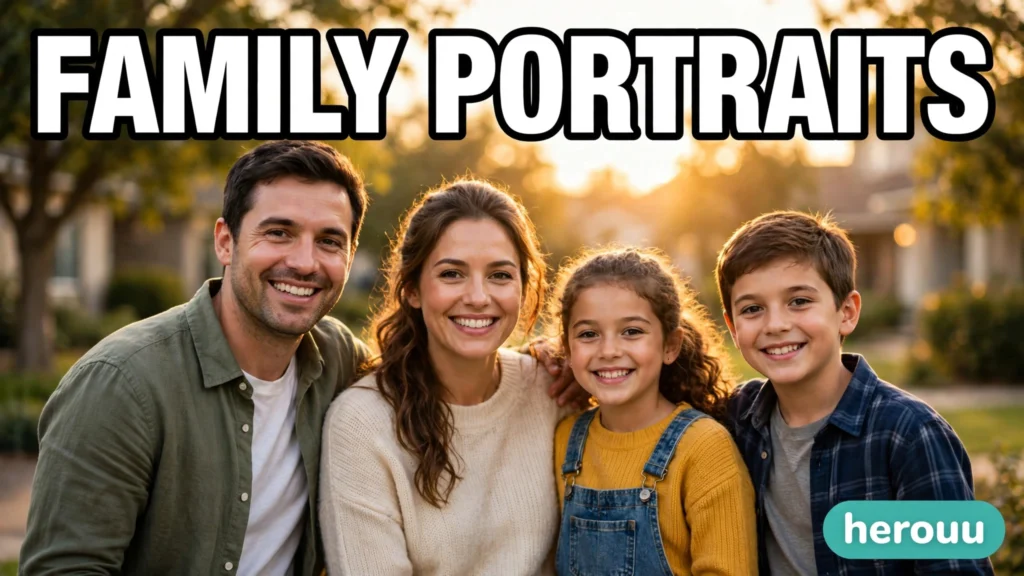
AI photo prompts for family portraits work best when the prompt describes real people doing a real thing in believable light. A good prompt does not just say “happy family”. It says who is in the picture, what they are doing, where they are, and how the light falls. This guide gives you original prompts you can copy and change, step by step, for indoor portraits, outdoor portraits, candid moments, and group pictures. It also covers the problems that appear most often: faces that change, stiff poses, harsh light, and backgrounds that steal attention. You can use these prompts in an AI image tool such as Gemini, but check the tool’s own help page for its current image features, because tools change how they handle uploaded photos and likeness. Use your own family photos as references only where the tool allows it, and never upload photos of other people without their permission.
Quick Overview
| Item | Detail |
|---|---|
| Topic | AI photo prompts for family portraits |
| Category | Ai Photo Prompt |
| App or Tool | An AI image tool such as Gemini |
| Skill Level | Beginner |
| Time Needed | About 15 to 25 minutes per picture, including fixes |
| Media Needed | Your own reference photos, if the tool supports them, or a clear written description |
| Cost or Free Features | Free features vary by tool and region; check the tool’s own page before you start |
What makes a family portrait prompt work
A family portrait prompt has five parts. First, the people: how many, roughly what ages, and how they relate, without sharing private details in a public prompt. Second, the action: sitting, walking, laughing, cooking together, or playing a game. Action beats a stiff pose every time. Third, the place: a living room, a park bench, a garden, or a beach at sunset. Fourth, the light: soft morning light, golden hour light, or open shade. Fifth, the camera feel: a close portrait, a waist-level shot, or a wide group picture, plus a simple note about natural skin and relaxed expressions. When one part is missing, the tool guesses, and that guess is often where a picture starts to look fake. Write all five parts in one short paragraph, in plain words, and change only one part at a time when you retry.
Before you start
Pick one picture idea, not five at once. Choose a clear reference photo if your tool supports photo input: faces facing the camera, good light, no heavy filters, and no busy background. If you do not have a reference photo, write the description carefully instead, and accept that faces will be invented rather than matched to real people. Decide the shape of the picture before you prompt: a tall portrait suits a single family group for a phone wallpaper, while a wide picture suits a group scene for sharing. Keep outfits simple and coordinated rather than identical, because matching outfits often look staged. Finally, remember that an AI picture is an illustration of a moment, not a photograph of a real event. If you share it, do not present it as a real photograph taken at a real occasion.
Steps: make a family portrait with an AI prompt
- Open your AI image tool and start a new image prompt. Check whether it supports uploading a reference photo, and if it does, upload one clear photo first.
- Write the people in one sentence: who is in the picture, in general terms, and how they are grouped. Keep it simple and do not add private details.
- Add one action, not three. Choose sitting together, walking together, laughing at a joke, or playing in a garden. One action gives the picture a clear story.
- Add the place in a few words, and keep the background simple. A plain garden, a quiet living room, or an empty shoreline works better than a crowded scene.
- Add the light. Use soft morning light, golden hour light, or soft diffused daylight. Avoid harsh midday sun in the prompt unless you also ask for open shade.
- Add the camera feel: close portrait, mid-shot, or wide group picture, plus natural skin tones and relaxed expressions. Keep this part short.
- Generate the first version and look at it at full size. Check faces first, then hands, then the background. Note the single biggest problem, not every small flaw.
- Change only that one problem in your next prompt. If faces changed, add a line about keeping faces the same as the reference. If light is harsh, ask for softer light. If the background is busy, ask for a clean, simple background.
- Repeat steps 7 and 8 two or three times at most. If the picture still looks wrong after that, simplify the prompt instead of adding more words. Fewer, clearer details usually beat a long, crowded prompt.
- Save the version you like, and note the prompt that made it. That note lets you reuse the same style for another family picture later, with different people or places.
Original prompt ideas
Copy a prompt, then change the people, place, and action to fit your own family. These prompts are original wording written for this guide.
- Living room portrait: “A warm family portrait in a bright living room, parents and two children sitting together on a sofa, laughing during a board game, soft daylight through a large window, natural skin tones, relaxed expressions, mid-shot, simple background.”
- Golden hour garden: “A candid family picture in a garden at golden hour, a family of four walking together on a grass path, warm soft light, gentle smiles, natural clothes in earth tones, wide group picture, soft blurred trees behind them.”
- Kitchen moment: “A candid family photo in a home kitchen, parents and children cooking together, one child stirring a bowl, warm indoor light, joyful natural expressions, close portrait feel, clean simple background.”
- Beach walk: “A relaxed family portrait on a quiet beach in the late afternoon, family walking together near the water, soft diffused daylight, easy smiles, clean horizon, minimal background clutter, natural skin and hair.”
- Grandparents portrait: “A gentle family portrait with grandparents seated in the centre and adult children standing behind them, warm smiles, soft window light, plain softly lit background, natural skin tones, respectful and calm mood.”
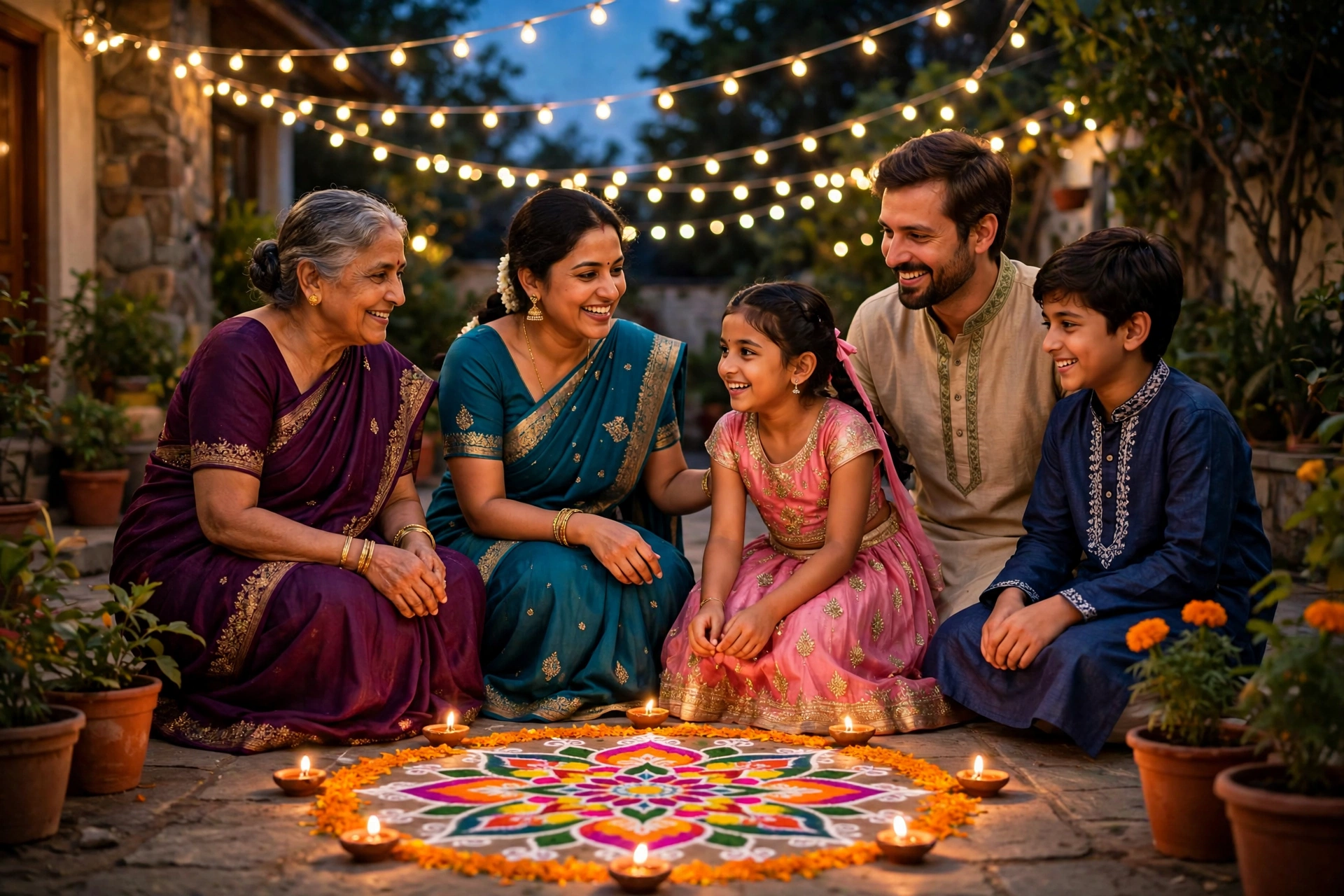
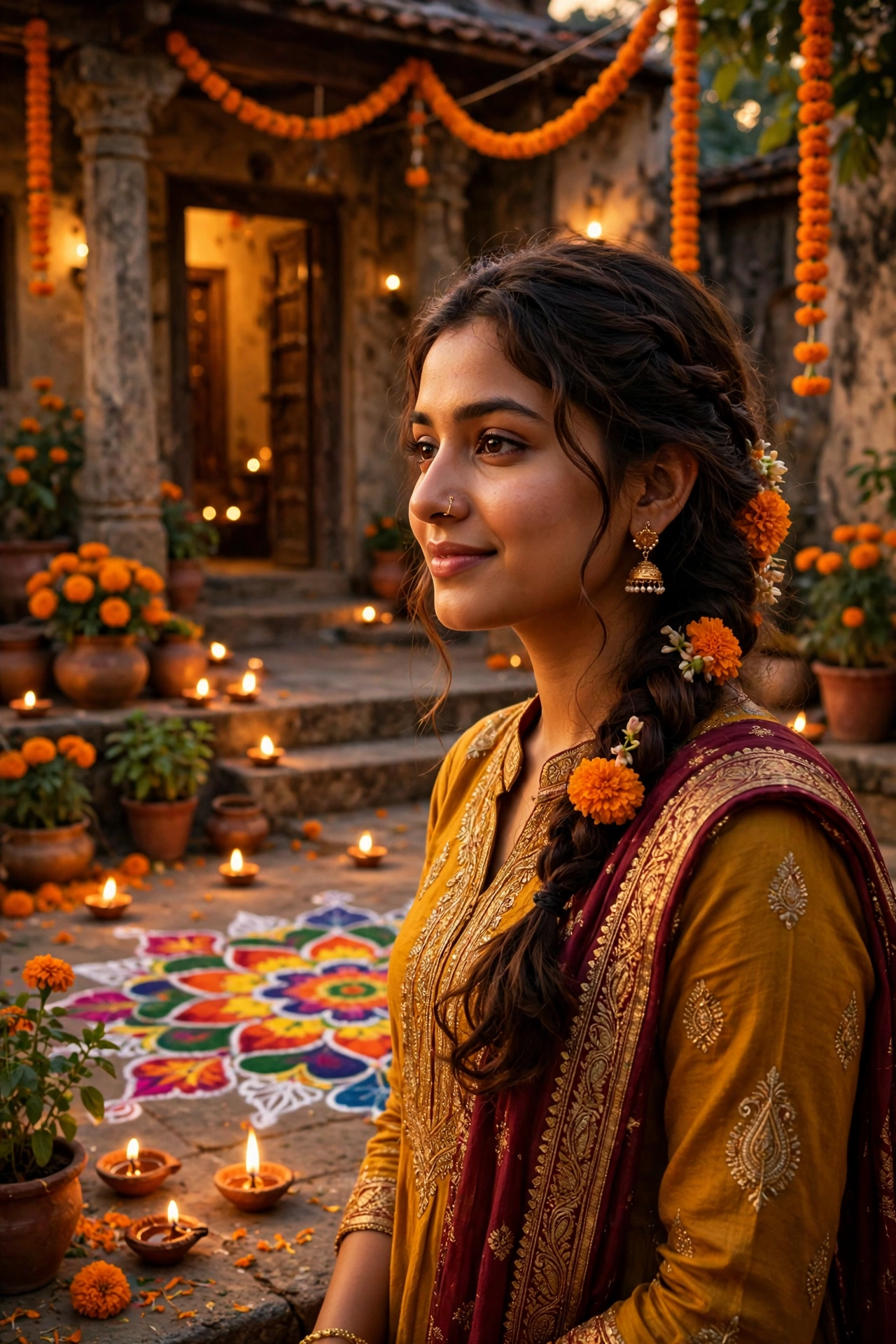
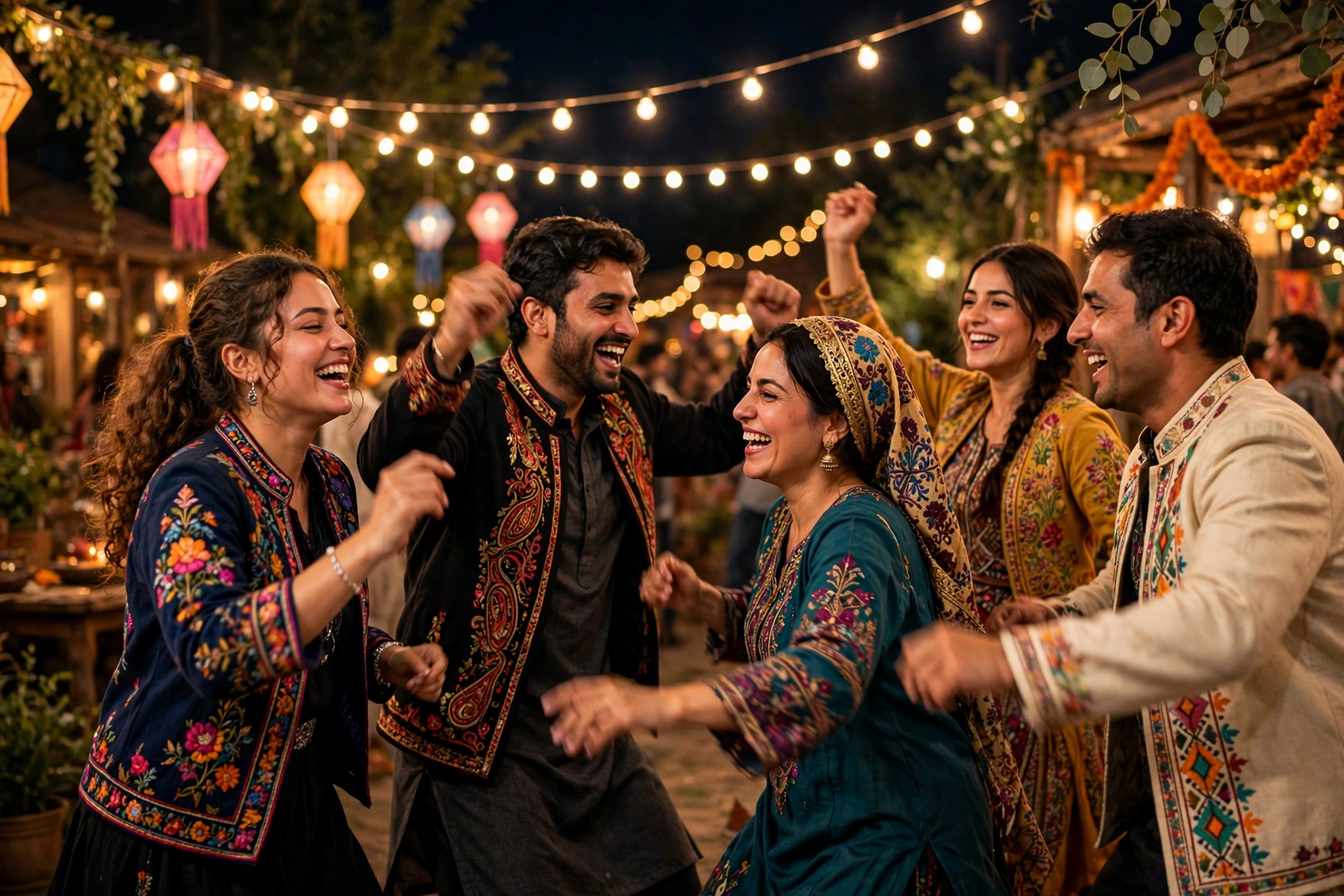
- Festival family picture: “A bright family picture during a festival evening, family standing together in festive clothes, warm decorative lights softly blurred behind them, joyful relaxed expressions, natural skin tones, mid-shot.”
- Everyday balcony picture: “A simple family portrait on a home balcony in soft morning light, family sitting close together with tea cups, calm smiles, plain background, natural colours, close portrait.”
Copy blocks
Use these short prompt patterns as building blocks. Fill in the brackets with your own details.
A warm family portrait in [place], [family group] [doing one action], [light], natural skin tones, relaxed expressions, [shot type].
A candid family photo in [place], [family group] laughing together while [one simple activity], soft daylight, simple background, natural colours.
A gentle group portrait, [older family members] seated in front and [other members] standing behind, soft window light, plain background, calm smiles.
Keep faces the same as the reference photo, natural expressions, no change to facial features, simple background, soft light.
Tips
- Start with emotion as behaviour, not as a label. “Laughing mid-step” or “sharing a joke” reads more naturally than just “happy”.
- Keep props to one or two. A blanket, a cup of tea, or a single toy tells the story; a crowded scene distracts from faces.
- Ask for coordinated colours, not identical outfits. Earth tones and soft colours usually photograph better than bright matching sets.
- For groups, name the arrangement: seated in front, standing behind, or walking in a line. Without that, the tool may stack people awkwardly.
- Keep hands simple. Hands holding a cup, resting on a shoulder, or holding a child’s hand are safer than complex gestures.
- Save your best prompt. A short note with the prompt and the light you used makes the next family picture much faster.

Common problems and fixes
| Problem | Likely cause | Fix |
|---|---|---|
| Faces look different from the reference | Prompt did not anchor identity, or reference was unclear | Use a clear reference photo and add “keep faces the same as the reference” |
| Everyone looks stiff | Prompt asked for a pose, not an action | Change the pose to one action, such as walking or laughing together |
| Light is harsh or faces are dark | Harsh sun or strong shadows in the prompt | Ask for soft diffused daylight or open shade |
| Background is busy | Too many scene details | Ask for a clean horizon, minimal background clutter, and soft blur behind the family |
| Skin looks too smooth or plastic | Over-polished style words | Ask for natural skin texture and natural colours, and remove words like flawless |
| Group looks crowded or awkward | No arrangement given | State who sits, who stands, and where each group is placed |
| Picture feels fake overall | Too many perfect details at once | Simplify: one action, one place, soft light, and natural expressions |
Frequently Asked Questions
1. Can AI make a real family photograph?
No. An AI image is a generated picture, not a photograph of a real moment, even when it uses a reference photo. It can look warm and realistic, but it should not be shared as if it were taken by a camera at a real event.
2. Should I upload a real family photo as a reference?
Only if the tool supports it, and only with photos you have the right to use. A clear, well-lit photo helps the tool keep faces closer to the reference. Avoid photos of other people without their permission, and check the tool’s privacy page first.
3. Why do faces change between versions?
Each generation is a new picture, so small details shift unless the prompt anchors identity to a reference. A clear reference photo and a short line about keeping faces the same helps, but it does not guarantee an exact match.
4. What light works best for family portraits?
Soft light: morning light, golden hour light, or open shade. Soft light flatters skin and avoids hard shadows on faces. Harsh midday sun in a prompt often creates dark eyes and strong shadows.
5. What shape should I ask for?
For a single group portrait on a phone, a tall or square shape works well. For a wide group scene, a wide shape suits the picture better. Decide the shape before prompting, because cropping later can cut off people at the edges.
6. How many people can one prompt handle well?
Small groups of three to six people usually work best. Very large groups are harder, because faces get smaller and details blur. For a large family, try two smaller pictures instead of one crowded one.
7. Can I use these prompts for festival pictures too?
Yes. Keep the family and action the same, and change only the place and light to a festival setting. The festival guide on herouu gives more ideas for bright festival pictures in the same simple style.
8. What if the tool will not keep faces the same?
Simplify the prompt, use a clearer reference, and generate again. If faces still change a lot, treat the result as an illustration with invented faces, and do not present it as a portrait of real people.
9. Is it free to make AI family portraits?
Free availability depends on the tool, the account, and the region, and it can change. Check the tool’s own page for its current free limits before you plan a set of pictures, rather than relying on a fixed claim here.
Conclusion
AI photo prompts for family portraits work when you describe real people, one clear action, a simple place, and soft light, then fix one problem at a time. Start with one of the prompts above, change the details to fit your own family, and keep the version that feels warm and natural. Save that prompt, and use it as your base for the next family picture. Browse the Ai Photo Prompt guides on herouu for more prompt patterns in the same plain style.
Related reading
- Festival AI Photo Prompts: Bright Festival Pictures Guide
- Browse Ai Photo Prompt guides on herouu.buzz
- Browse Ai Video Editing guides on herouu.buzz
- Browse Vn Code Template guides on herouu.buzz
About herouu
herouu is a free library of simple, original guides for creators who make short videos and AI images. Every guide is written in plain language, uses the reader’s own clips and photos, and avoids copied templates, codes, and links.
Disclaimer and Sources
Disclaimer: This guide is based on AI image tools and help pages as available at the time of writing. Features, free limits, and photo handling may change, so check the official tool or help page for your version. No download link, template file, or code is provided here.
Sources:
- Gemini portrait and family photo guidance reviewed in general terms, in the writer’s own words.
- Family photo prompt guides reviewed for topic structure only; all prompts above are original wording for herouu.
- Details not officially announced: exact free limits, face-matching accuracy, and feature availability vary by tool, account, and region, and are not stated as fixed claims here.